

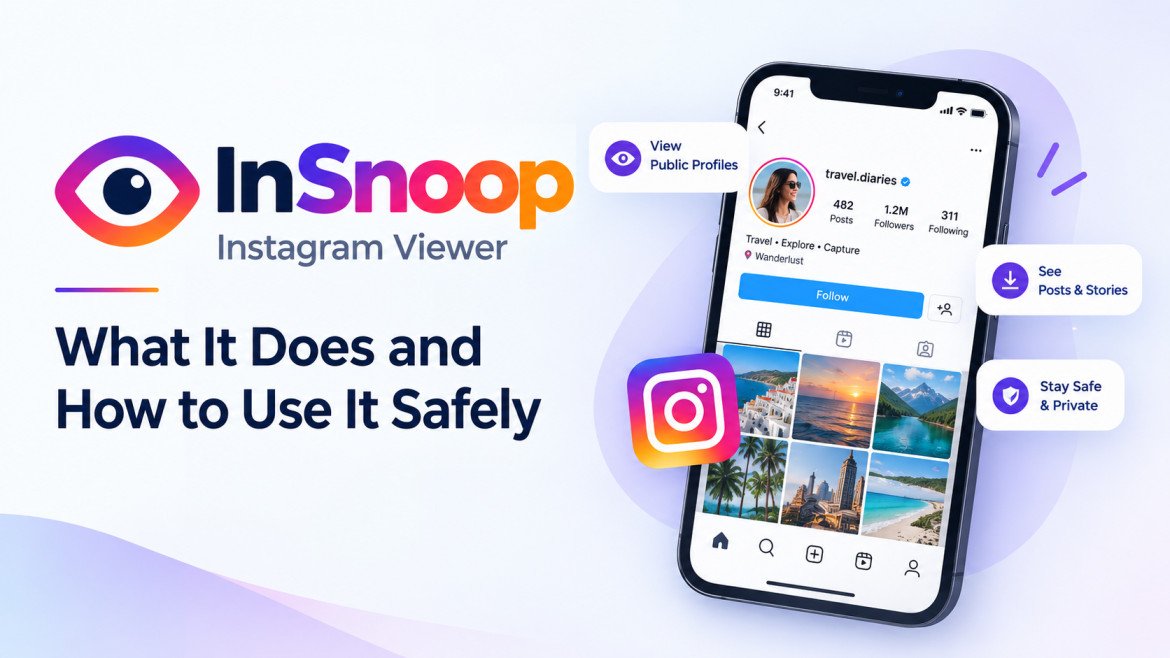
InSnoop Instagram Viewer What It Does and How to Use It Safely
InSnoop, you will find a browser-based service that describes itself as an anonymous Instagram Story viewer. The basic promise is straightforward: enter the username of a public Instagram account and, when the content is available, view Stories or Highlights without signing in to Instagram. The site also advertises media downloads. These are claims made by the service; availability and behavior can change, and a third-party viewer cannot make you invisible to the wider internet.
That distinction matters. “Anonymous” usually refers to whether your Instagram account appears in the Story owner’s normal viewer list. It does not mean the viewing website cannot receive technical information about your visit, nor does it grant permission to reuse another person’s photos or videos. InSnoop is best understood as a third-party way to access some public content, with practical limits and privacy trade-offs.
What is InSnoop?
InSnoop lets you view public Instagram Stories anonymously without logging in, though performance can vary. Its main site describes a workflow that uses a username or profile link, with no Instagram login or app installation required. It also advertises downloads of supported images and videos. Those details describe the service’s own claims, not a guarantee that every profile or Story will load.
InSnoop is not Instagram or a Meta product. It is a separate service, so users should check the domain carefully and read the relevant privacy information before using it. Several websites use similar names, and search results can mix them together. Do not assume that a page, browser add-on, or mobile app is connected to the InSnoop domain simply because its name looks similar.
How does the anonymous Story viewer work?
The visitor enters a public username or profile URL in the search box. If the service can retrieve currently available public material, it presents that content through its own page. Because a viewer is not using their own signed-in Instagram session in the ordinary way, their Instagram username may not be added to the Story’s regular viewer list. The exact technical method is not independently documented in a way that lets users verify every request, so it is better to describe the outcome as the site’s intended function rather than promise absolute invisibility.
The simple process advertised by the site is:
- Open the correct InSnoop website in a browser.
- Enter the username or profile link for a public account.
- Search for available Stories or Highlights and view only the content that loads.
No login requirement can reduce the need to hand over Instagram credentials. It does not eliminate all privacy considerations. InSnoop’s current Privacy Policy says the service may collect an IP address, pages visited, visit times, time spent on pages, and operating-system details; it also describes cookies and similar technologies. That is worth comparing with the homepage FAQ, which says it does not track user behavior. The two statements are not phrased the same way, so readers should consult the detailed policy and seek clarification if the distinction matters to them. Review the current policy directly rather than inferring data practices from the word “anonymous.”
Can InSnoop view private Instagram accounts?
No. InSnoop says it supports public profiles and cannot show Stories from private accounts. A third-party site cannot legitimately turn a private account into public access just by entering a username. Treat claims that a tool can unlock private Stories, reveal hidden followers, or bypass account approval as a warning sign.
The same availability limits apply to public accounts: a Story may expire, be removed, or stop loading; a profile may switch to private; and a third-party service may change or discontinue a feature. If the content is unavailable through the official platform, an external viewer may not be able to retrieve it either.
What does “anonymous” mean, and what does it not mean?
For this type of tool, anonymity is a narrow claim about the relationship between a particular view and your Instagram account. It generally means the service aims to keep your account out of the Story poster’s normal viewer list by showing public content through a third party. It does not mean there is no record of your visit anywhere. Websites can receive technical details from browsers and networks, and the amount they collect depends on their own configuration and policies.
InSnoop’s public site makes privacy and no-login claims, while its privacy terms should be consulted for current details on data handling. A reader should not rely on a marketing phrase as a substitute for a policy. If minimizing disclosure is important to you, avoid entering personal details, decline unnecessary permissions, and do not install software just to view a public Story.
Is InSnoop safe to use?
No outside review can guarantee that a third-party service is safe in every situation. A sensible assessment is to consider what the service asks you to do. A public-content viewer should not need your Instagram password. If a site using the InSnoop name asks you to sign in through an unfamiliar form, provide a one-time code, install an extension, download an executable, or pay to reveal private content, stop and verify that you are on the intended site.
Before using any third-party viewer, check the address bar, look for a privacy policy and contact information, and be cautious with pop-ups and download buttons. Keep your browser and device software up to date. Do not reuse passwords or share authentication codes. These are practical precautions; they are not proof that a specific version of the service is malicious or harmless.
There is also a platform-policy issue. Meta’s Instagram terms restrict certain unauthorized automated access and collection. A user should not assume that publicly viewable content means every method of collecting or republishing it is permitted. For current rules, check Instagram’s own terms and policies. Meta has also described enforcement actions involving unauthorized automated collection, which illustrates why third-party scraping tools can raise platform concerns.
You May Read Also: Coyyn.com Guide: What the Platform Is, What It Covers, and How It Works
Can you download Stories and reuse them?
InSnoop advertises downloads for some public media. Saving a file for personal reference is different from publishing it again, using it in an advertisement, editing it into a video, or presenting it as your own work. Images, music, captions, and footage may be protected by copyright or other rights, even when they appear on a public profile.
If you want to repost or commercially use someone’s content, ask the creator for permission and follow applicable platform rules. Give clear attribution where appropriate, but remember that attribution alone does not replace permission when permission is required. For brands and creators doing competitive research, notes about formats, topics, and posting patterns can often answer the question without copying the original media.
Who might find a public Story viewer useful?
The tool may suit someone who wants to check a public Story without signing into Instagram, or a marketer looking at public campaign formats. It can also be useful for a person who does not have an Instagram account and wants to see content that the profile owner has made public. In each case, the tool’s value depends on the content being available and the user being comfortable with the service’s privacy terms.
It is not a substitute for Instagram if you want to message a creator, react to a Story, manage your account, or view content shared only with approved followers. For routine brand research, official Instagram features and analytics available to account owners are a more direct option. For private content, the appropriate route is to request access from the account owner.
InSnoop compared with viewing Stories on Instagram
Instagram is the official platform for following accounts and interacting with their content. When you view a Story while signed in, your account activity can be associated with the view under Instagram’s normal features. InSnoop’s stated purpose is narrower: display available public material without requiring a personal Instagram login. The trade-off is that it is an unaffiliated third-party service, has fewer interaction features, depends on content retrieval that may fail, and has its own data practices.
Choose the official app or website when you want to interact, access your own account, or rely on built-in privacy controls. Consider a third-party viewer only for public content and only after checking the current site, its policies, and the risks of using an intermediary.
A practical checklist before using InSnoop
- Confirm the domain in your browser before entering a username.
- Never provide an Instagram password, authentication code, or recovery detail.
- Use it only for content on public profiles; do not seek ways around private settings.
- Read the current privacy policy and understand what “anonymous” refers to.
- Treat downloads as someone else’s work and get permission before reuse.
- Leave if a page pressures you to install software, pay unexpectedly, or grant unrelated permissions.
You May Also Read: SFM Compile Explained: Meaning, Process, Tools, Errors & Beginner Guide
Conclusion
InSnoop presents itself as a browser-based viewer for Instagram Stories and Highlights from public profiles, with no Instagram login required and optional media downloads. Its core appeal is straightforward: view some public content without associating the visit with your own Instagram account in the usual viewer list. The important caveat is that this is not total online anonymity, and a third-party viewer cannot open private profiles or grant rights to someone else’s media.
If you decide to use it, verify the website, avoid sharing credentials, read its privacy terms, and respect creators’ rights. When in doubt, use Instagram’s official tools or ask the account owner for access. That approach keeps expectations realistic and avoids treating a convenience tool as a way around another person’s privacy settings.
FAQs
What is InSnoop used for?
InSnoop is a web service that says it can display Instagram Stories and Highlights from public profiles without requiring an Instagram login.
Can InSnoop view private Instagram accounts?
No. The service says it supports public profiles only. Do not trust sites that promise to unlock private Stories.
Does anonymous mean no one can track my visit?
No. It generally refers to whether your Instagram account appears in the Story owner’s normal viewer list. The website may still process technical information about your visit.
Is InSnoop affiliated with Instagram?
No. InSnoop is a third-party service and is not an official Instagram or Meta product.
Can I repost media downloaded through InSnoop?
Downloading a file does not transfer ownership or grant reuse rights. Ask the creator for permission and follow relevant copyright and platform rules.
Do I need to enter my Instagram password?
A public Story viewer should not need your Instagram password. Do not enter credentials or authentication codes into an unfamiliar third-party site.
[…] You May Read Also: InSnoop Instagram Viewer What It Does and How to Use It Safely […]